

Overview
If dictations process slowly or the app feels heavy, the tips below cover the areas with the biggest impact. Four factors drive performance:System Resources
Processing power and available memory matter most with local models.
Internet Connection
Cloud processing depends on your connection speed and stability.
Model Selection
Models differ in processing time and memory use. Trying a different model is a quick test.
Processing Type
Voice transcription and AI processing are separate steps with separate costs.
Local vs. cloud models
Local models
Local models run directly on your computer, so your hardware sets the processing speed.1
Tune Voice model active duration
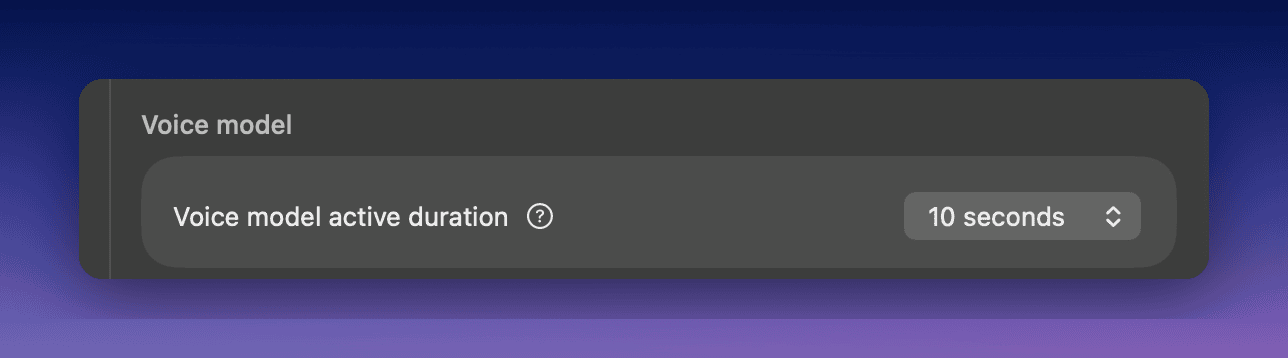
- Settings range from 10 seconds to 1 hour
- Shorter durations free memory but reload the model for each new dictation
- Longer durations keep the model ready but hold more memory
2
Match the model to your hardware
- Local models need free memory; close memory-heavy applications while dictating
- If your machine still struggles, pick a smaller model such as Whisper Base, or switch that mode to a cloud model
Cloud models
Cloud models process your dictation on remote servers, so your hardware matters less. They need a stable internet connection. On a slow or unstable connection, a local model can work better.Speed up processing
1
Skip AI processing when you don't need it
Transcription and AI processing are separate steps. The Voice to Text mode skips AI processing entirely, so only the transcription step runs. Use it when you don’t need formatting.
2
Try a different model
- Cloud voice models, such as S1-Voice, move the work off your machine
- Local models, such as Parakeet Multilanguage (494 MB), run offline and keep audio on your device
- Smaller local models, such as Whisper Tiny or Whisper Base, use less memory
3
Find the slow step in History
Open a dictation in History and compare the voice and AI processing times in the right sidebar. Whichever step is slow, switch that model.