

Overview
If Superwhisper can’t write to its folder, new modes fail to save. iCloud Documents syncing can move a folder in Documents and cause this. The fix is to point Superwhisper at a folder outside iCloud.Older installs kept the Superwhisper folder in
~/Documents. The current default is ~/superwhisper in your home directory.Fix the folder location
Redirect Superwhisper to a folder outside iCloud:1
Open Advanced settings
Open Advanced settings from the left sidebar in Superwhisper settings.
2
Change the folder location
Scroll to App folder location and click Change folder….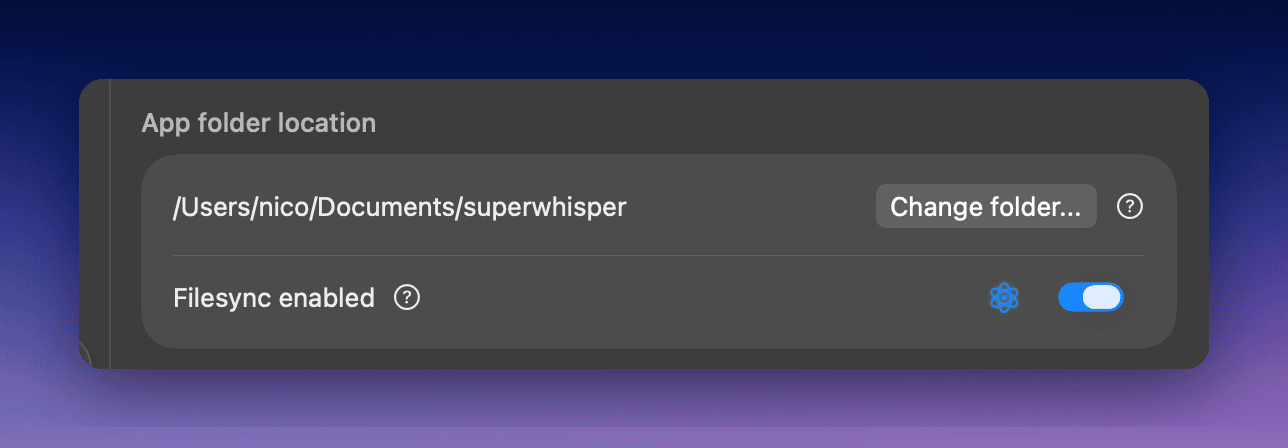
3
Select a new folder location
In the file browser, choose your home folder or another location outside iCloud, and click Open.
4
Confirm the change
Click Confirm in the dialog to apply the change.